
Login with Facebook
Create Facebook App
We need facebook client id and secret that way we can get information of other user.
- Please go to Facebook Developers Console. You can find bellow screen:
- Now you have to click on Create app.
- Choose a type of the app.
- Put details of the app.
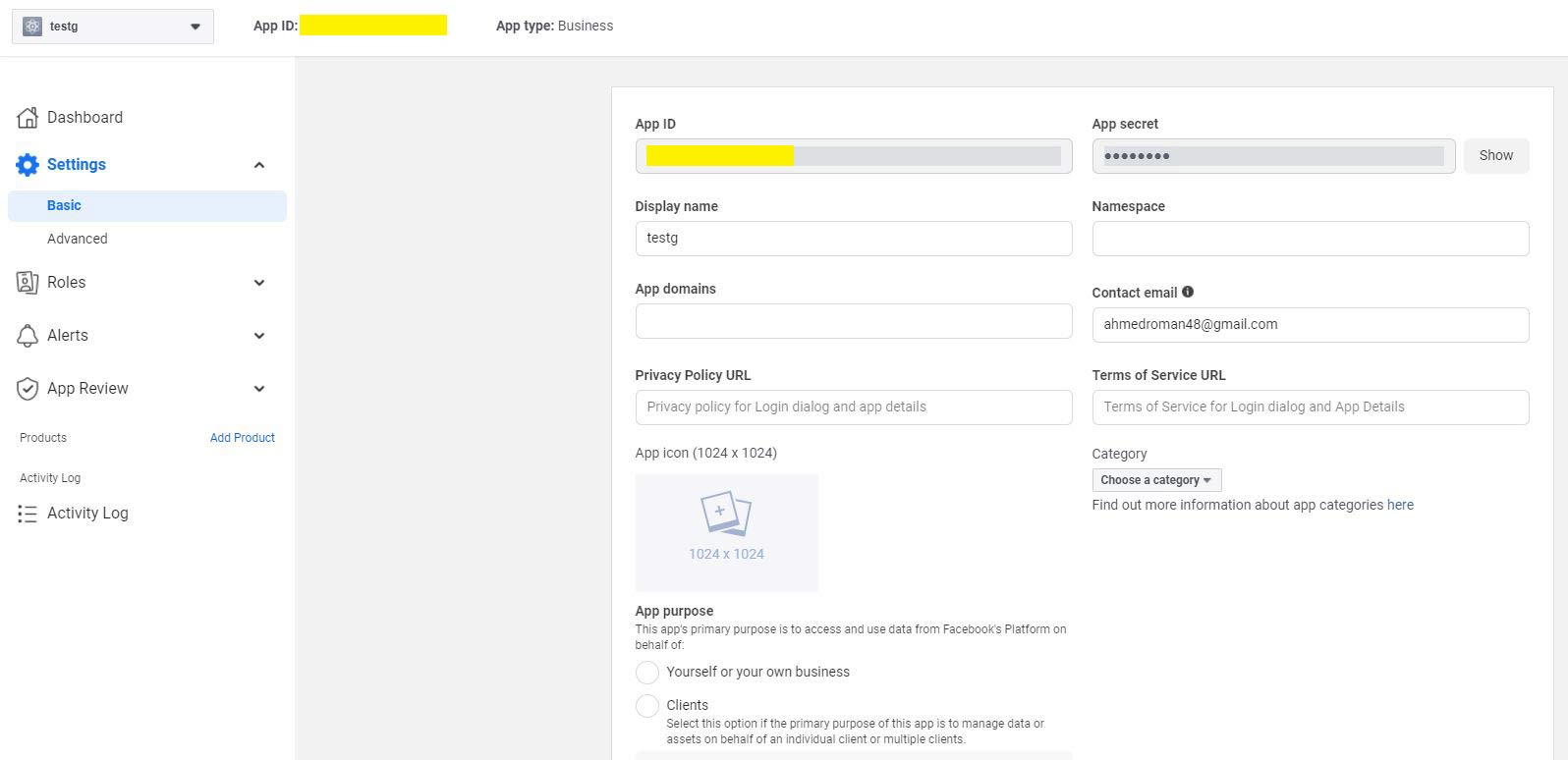
- Now click Setting > Basic and set the App domains.
- Now scroll to the bottom of the page and click Add platform. Click Website from the popup.
- Put the URL of your server and save.
- Now click Add product. Then set up the Facebook login.
- Click Web.
- Put the URL of your server.
- Click the Facebook Login > Setting from left sidebar.
- Put your admin panel's redirect URL in Valid OAuth Redirect URIs. eg. https://admin.yourdomain.com/api/v1/user/social-login/callback/facebook




Setting the Google configuration
Now it's time to put the client id and secret in the server.
- Log in to your admin panel.
- Go to Settings > Social Login
- Change the Facebook Client Id and Facebook Client Secret.

Clearing cache
Now it's time to clear the cache of the backend.
- Open admin.yourdomain.com/api/clear-cache in the browser. Cache has been cleared.
You can also clear the cache from the admin panel also.
- Login to your Admin panel.
- Go to Setting > Clear cache.
- And click Clear cache button. Cache has been cleared.
